- Claude Code
- Codex
- Cursor
- Gemini CLI
Code, and your
garden grows.
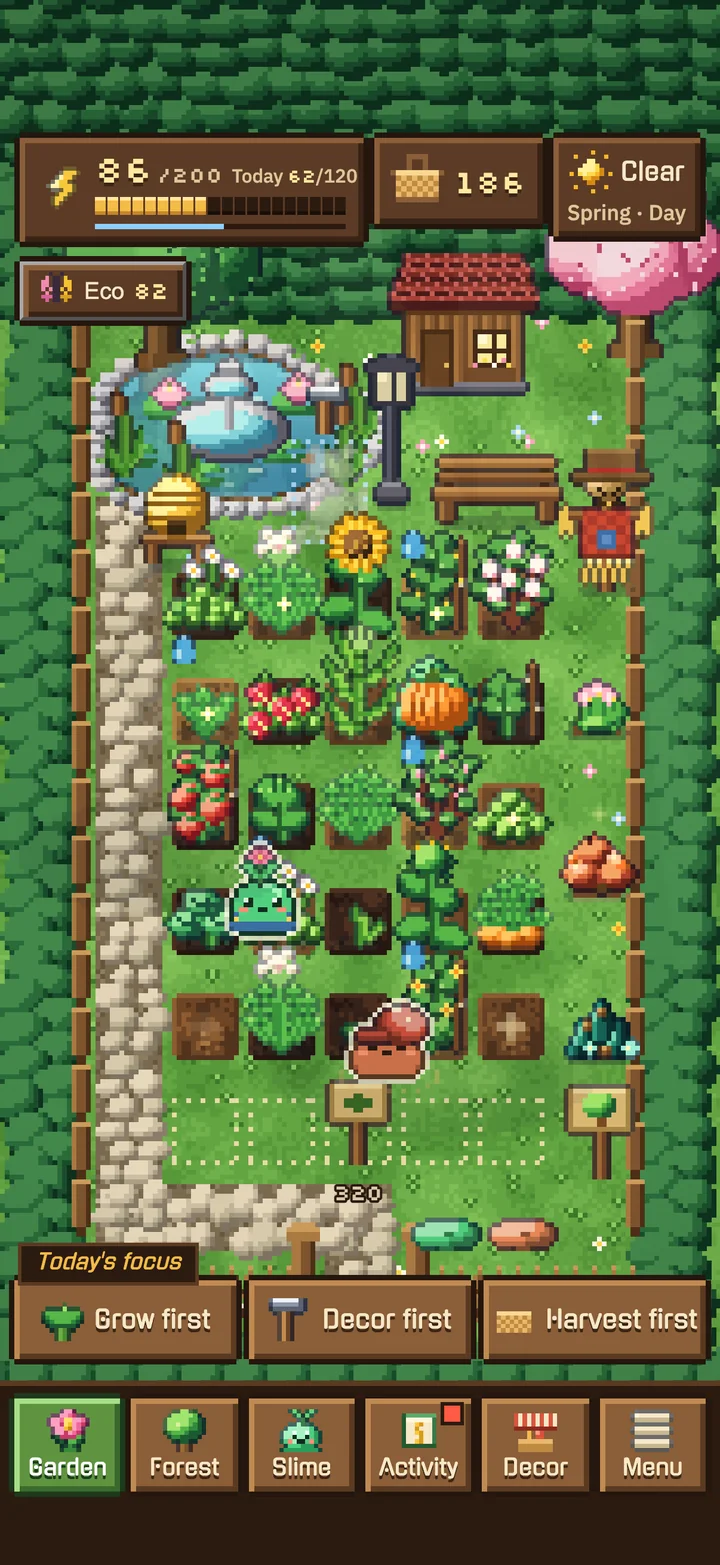
VibeMon turns the time you spend coding with AI agents into energy for a cozy pixel garden. Your slime gardeners plant, water and harvest on their own — rest anytime, nothing wilts.
Coding on a desktop? Then connect your machine with one command.
How it works
Three steps. Then just keep building.
- 01
Install
Get the app, then connect your coding machine with one command. It takes about a minute.
- 02
Code with your agent
Claude Code, Codex, Cursor or Gemini CLI. Edits, commits and passing tests turn into energy — commits and tests count far more than plain edits.
- 03
Your garden grows
Your gardeners spend that energy to plant, water, prune and harvest. Every day of AI coding is planted as a tree in your record forest.
The garden
A garden that tends itself
Your coding is the only thing it needs. Everything else — planting, watering, pruning, harvesting — your sprout-headed slimes handle.
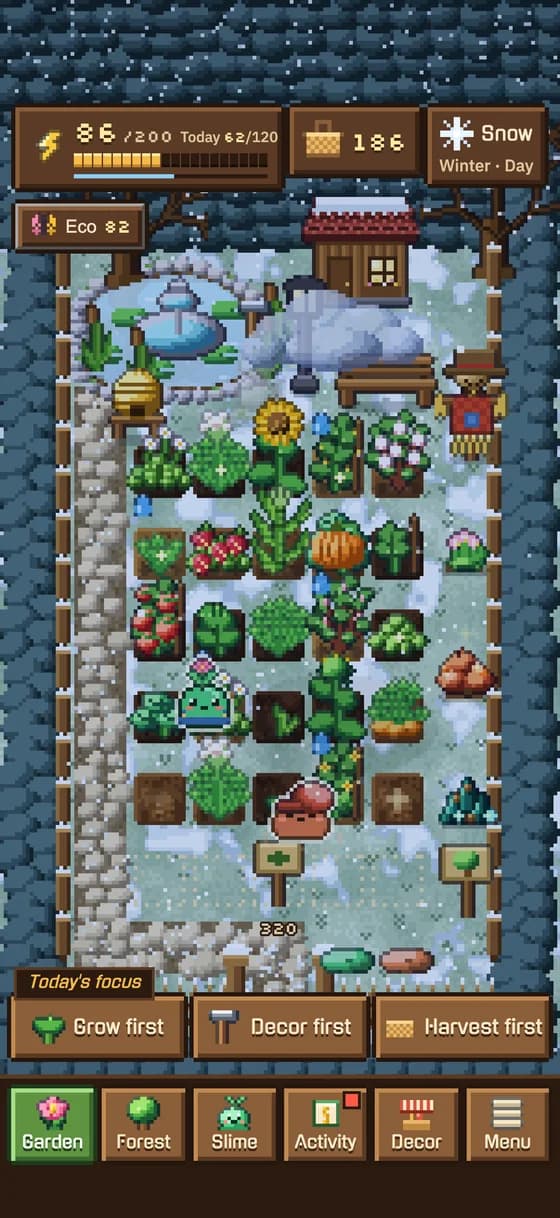
Four seasons, real weather
Spring to winter, rain and rainbows. The more kinds of plants you grow, the more butterflies, bees and birds visit.
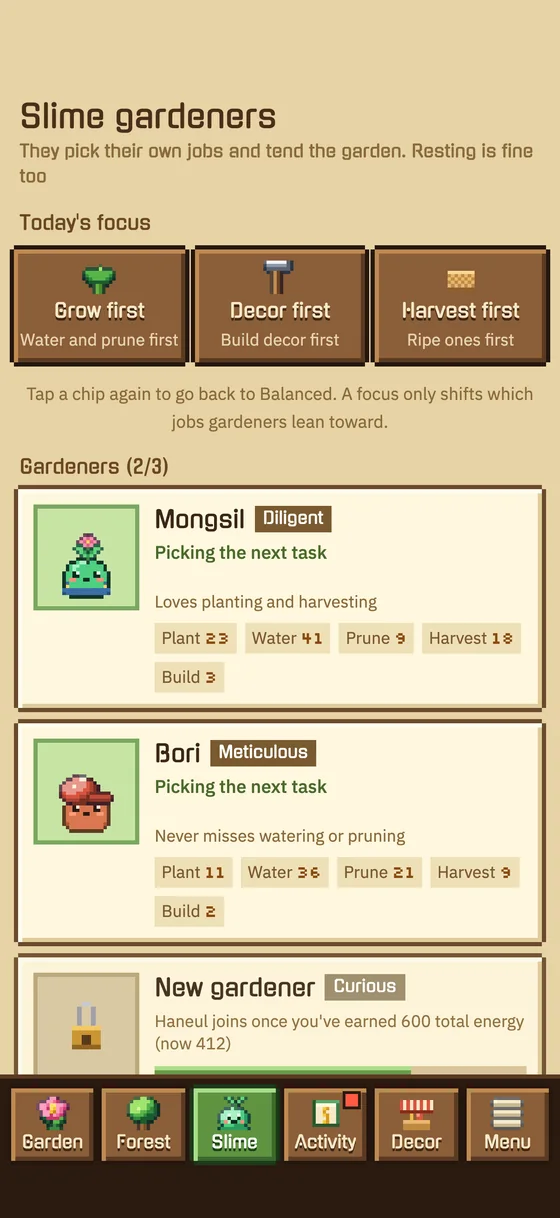
Gardeners with personalities
Pick a focus — grow, decor or harvest — and they work on their own. Rest whenever you like: nothing wilts and nothing punishes you.
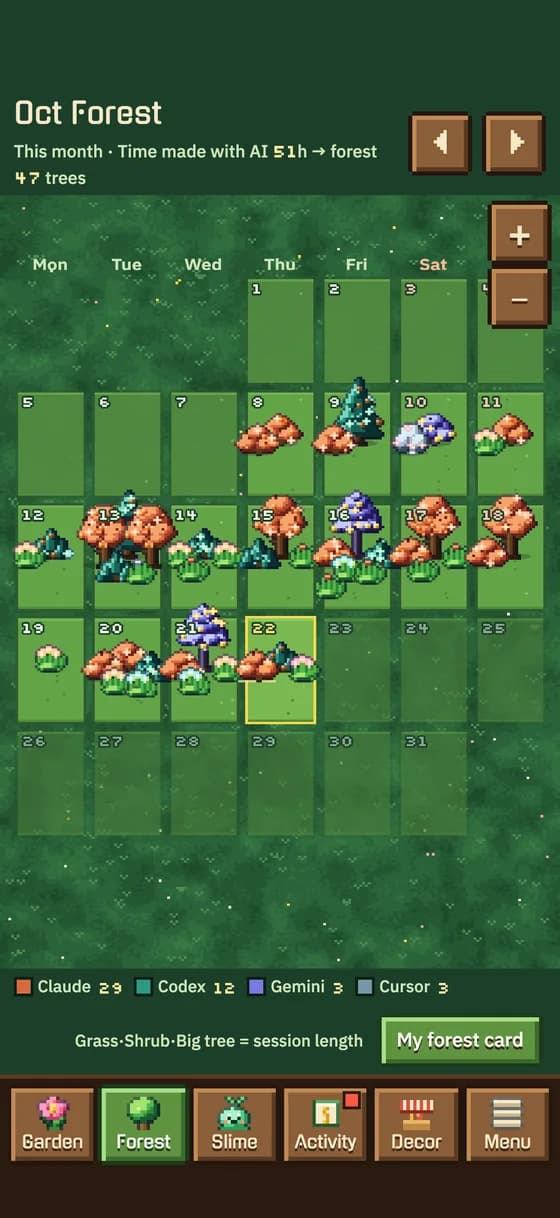
A record forest
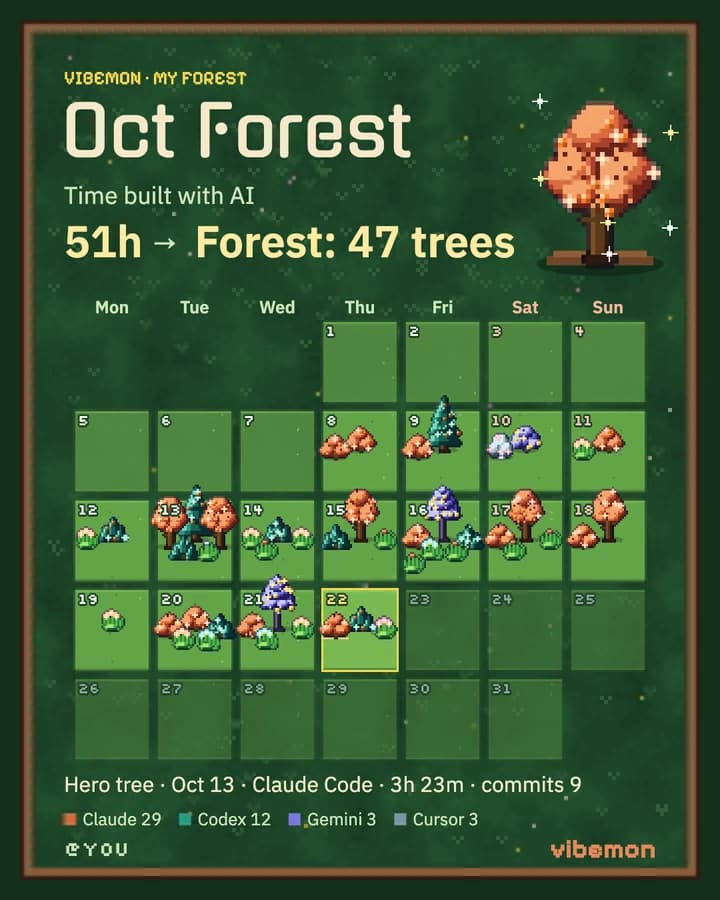
Every day of AI coding is planted as a tree. The longer the session, the bigger the tree.
Make it yours
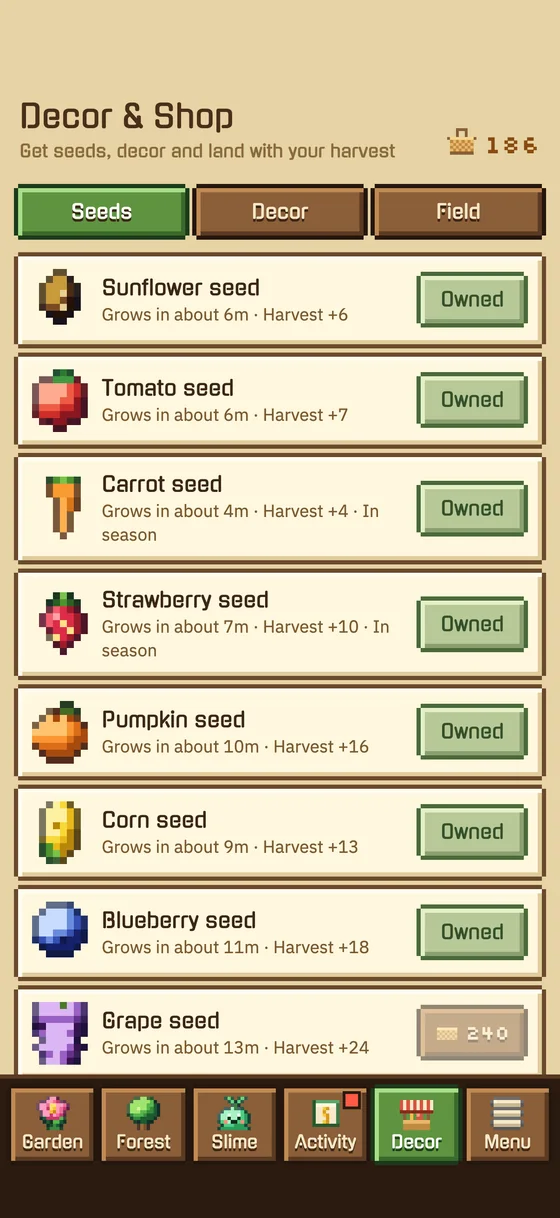
Ten slime colors, hats, outfits and eye styles — and seeds, benches, lanterns and fountains for the garden.
Vibe coding activity
Run the agents. Keep your life.
Hand a task to Claude Code, Codex or Cursor and step away. VibeMon watches the sessions and taps you when one is waiting.
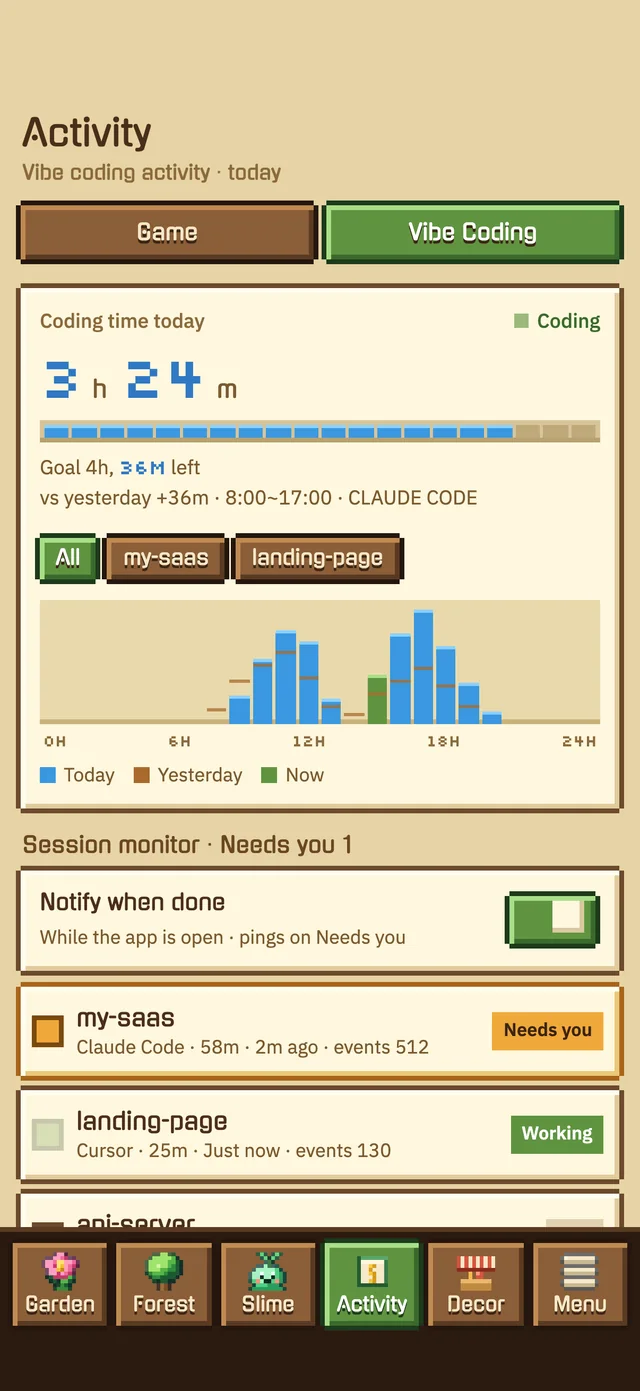
Coding time, at a glance
How long you coded today, your goal, and a 24-hour activity wave.
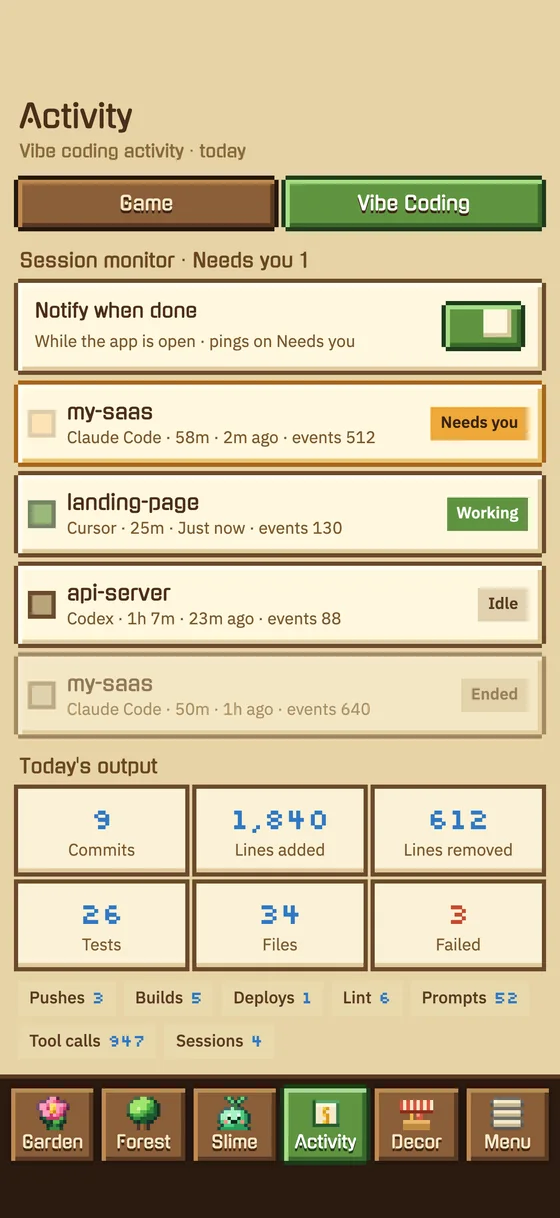
Know when an agent waits
Live sessions for every agent — and an alert the moment one needs you.
The whole day in one tab
Commits, tests, files, languages, AI tools and projects, plus the last 7 days.
Share it
Show off the forest you grew
Your code and project names are never shown. The card and the public garden only show coding time, trees, commit and test counts, and which agents you used.
Forest card
This month’s forest as one image — hours coded with AI, trees planted, your biggest tree.
Public garden
Your handle gets a page at vibemon.dev/u/you where anyone can look around your garden.
README badge
A live badge for your GitHub README with your coder type and coding streak.
iPhone & Apple Watch
Everywhere you code
Your coding time follows you: on your wrist, on the home screen and on the lock screen.
9:41
Gumi
>_ WEEKLY
9h
this week
1h 14m
today
5d
streak
Apple Watch
Your slime on your wrist — today’s coding time, your streak and the week’s rhythm.
26m today
3h15m this wk · 5d streak
Lock screen
Today’s coding at a glance — without unlocking your phone.
CODING TIME
CODING TIME
Home-screen widgets
A seven-day coding chart in small and medium sizes.
On the web
Working with a team?
The VibeMon workspace keeps the goal, the attempts and the next step together — for you and your coding agents.
Get started
Connect your coding machine
Install the app, then connect your computer with one command. Your coding shows up in the garden automatically.
Get your installation command
Sign in to VibeMon, choose Connect a device, then copy the complete command for Windows or macOS / Linux. Your one-time connection token is filled in for you.
Get installation command →